
Pan-STARRS Web Author Guide
Overview
The Pan-STARRS web pages are divided into three classes:
- Public Pages, which contain information for the general public, ranging from outreach article for lay-people to science articles for the general astronomy community.
- Project Pages, which provide detailed information about the project, both for reference by those working on the project and for members of the astronomical community interested in more technical detail.
- People Pages, which allow members of the IfA Pan-STARRS team an informal location to post information they would like to disseminate, without needing to associate it with a specific aspect of the project.
The Pan-STARRS public and project web pages all have a consistent look-and-feel. In the upper-left corner is the Pan-STARRS logo. Below that, along the left side of the page, is a navigation menu. The top section of the navigation menu lists top-level categories, while the bottom section lists the available pages in each of the categories. In addition, there are navigation tabs across the top of the page that link to the major sections of the site. Each page has a title at the top, a main body holding the content, and a footer with a copyright notice.
This consistency across much of site is achieved via the use of templates.
More specifically, the Template
Toolkit is being employeed. The author of a simple web page in the
Pan-STARRS project only needs to create the basic content of the page, add a
few header lines and an ending tag. This source file, which shall end
with .tt, is then compiled into a complete .html
page. The generated HTML includes the page header, navigation menus and tabs,
and footer.
New and updated web-pages are automatically sent to the production
web-server from the Pan-STARRS CVS tree. Currently this happens every 10
minutes but this interval may change in the future. Placing new content on the
website site is as simple
as checking it into the CVS repository.
Getting Started
www module
In order to add/edit/delete web pages you will first need to make a checkout of the "www" CVS module.
cvs co www
Please see the Pan-STARRS CVS Guide for detailed instructions on setting up your CVS enviroment variables and how to make a checkout of a module.
The "www" module has the following top level directory structure:
- www
-
- etc
- lib
- src
etccontains the templating systems build configuration files.libcontains the navigation menu and page layout resource files.srccontains the source.ttfiles that complete.htmlpages are generated from.
building the site
Web pages, just like anti-lock break systems, shouldn't be tested in a production environment. For that reason a "shadow" of the production Pan-STARRS website has been created at dev.pan-starrs.ifa.hawaii.edu for the development and debugging of web pages. All web pages shall be pushed to the dev site and tested for XHTML compliance, proper visual formating, and broken links before being committed to CVS.
The template build system is used via a makefile wrapper. Since the makefile
lives in the root of the www module you will need to be in that directory in
order to invoke the build system. If you just checked out the www module into
your current directly you will need to "cd www". The syntax is:
make [target]
With [target] being one of several possible destinations. For the moment only the
make dev
and
make redev
targets will be discussed. As dev is by far the most commonly
used target it set as the default make target so you may use just:
make
instead of
make dev
adding pages
The www/src directory has the following subdirectories:
- www
-
- src
-
- css
- images
- project
-
- people
- public
- script
csscontains Cascading Style Sheets or CSSimagescontains.jpg, .pngor.gifformat images for site wide use.project, people, & publiccontains source.ttfiles that are processed along with other file types, such as PDFs, that are copied to the target web site.scriptcontainsjavascript
There are many other subdirectories and files in the CVS tree but only the most significant are being listed here.
The file and directory hierarchy under www/src is preserved in the
target web site. In other words, the content under www/src is
copied verbatim to the make targets file and directory hierarchy. The only the
exception (currently) to this rule is for .tt files, which are
processed and then written out as .html to the target.
For example, this web page lives in the CVS tree as:
www/src/project/resources/web-guide.tt
And is deployed to the dev site as:
www/dev/project/resources/web-guide.html
If you create a new .tt file under
www/src/project/resources/ it will be in the same place on the
target web site, except the .tt extension will become
.html
basic page format
An example source .tt file:
 1: [% WRAPPER resources_page
 2:     title = "Engineering standards for the Batmobile"
 3:     author = "Alfred"
 4:     selection = "Web Author Guide"
 5: %]
 6:
 7: <h3>HTML markup</h3>
 8:
 9: <p>
10: This is an example of where you would put <em>shall</em>.
11: </p>
12:
13: [% END %]
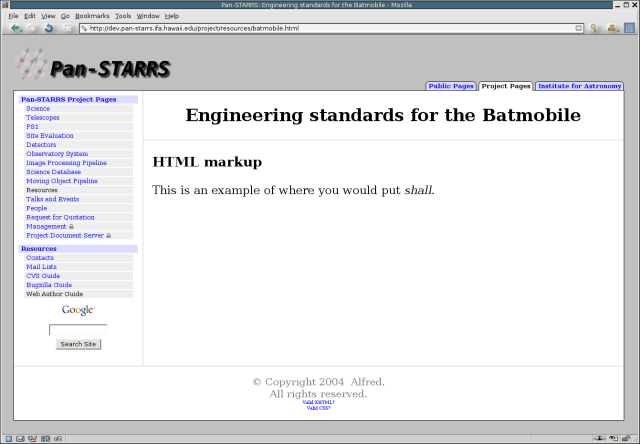
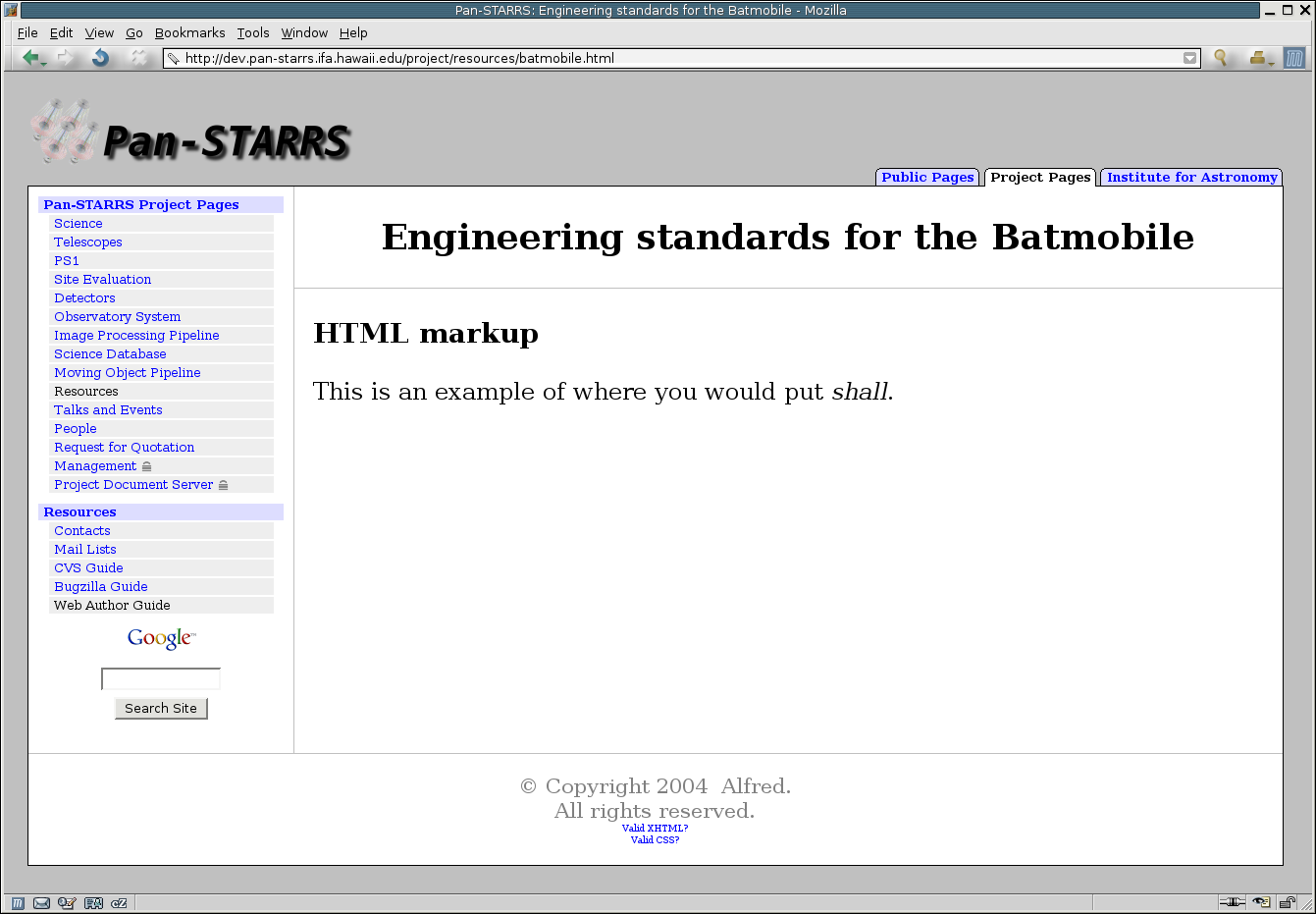
If you were to cut and paste the example into the file:
www/src/project/resources/batmobile.tt
and run "make". You would get a complete HTML file at the
following location.
www/dev/project/resources/batmobile.html
Which should look something like the figure to the right when viewed with a web browser.
example page, by line
line: 1 A WRAPPER page is defined. This controls the
layout of the page and what navigation menus are displayed. In this case we
are telling the templating system that this is a resources_page.
The resources_page has already been defined else where.
See "Navigation Menus"
line: 2 The page title is declared to be
"Engineering standards for the Batmobile". This sets both the
<h2> tags at the top of the page body and the
<title> tags in the HTML header.
line: 3 The author is declared to be
"Alfred". This is used in the copyright notice at the bottom of
the page. Eventually, this will also set meta tags in the header to aid
search engine indexing.
line: 4 The selection is declared to be "Web
Author Guide". This controls which item in the navigation menu is
"selected" to indicate which page you are currently viewing. In the figure
above you can see and that "Web Author Guide" menu option has been
turned black. See "Navigation Menus"
line: 5 Closes the WRAPPER block opening declaration.
line: 6-12 Are inserted into the body of the page.
line: 13 Closes the WRAPPER block and marks the end
of page body content.
Navigation Menus
existing section
When adding a page to an existing section, it is necessary to add an entry in
the corresponding navigation menu. The navigation menu is defined by the
[section]_nav file in the www/lib/[section]+
directory. There are "_nav" files for both the public
(public_nav) and project (project_nav) pages, as well
as individual ones for each major section and occasionally subsections. The
format of "_nav" files is as follows:
 1: [% INCLUDE nav_menu
 2:     class = "nav_menu"
 3:     links = [
 4:         { class => 'section',   url => '/project/resources',
                title => 'Resources' }
 5:         { class => 'subsection',url => '/project/resources/contacts.html',
                title => 'Contacts' }
 6:         { class => 'subsection',url => '/project/resources/maillists.html',
                title => 'Mail Lists' }
 7:         { class => 'subsection',url => '/project/resources/ps-cvs.html',
                title => 'CVS Guide' }
 8:         { class => 'subsection',url => '/project/resources/bugzilla.html',
                title => 'Bugzilla Guide' }
 9:         { class => 'subsection',url => '/project/resources/web-guide.html',
                title => 'Web Author Guide' }
10:     ]
11: %]
Note that long lines have been manualy wrapped to ensure proper formating.
section format, by line
adding a section
The www/lib directory has the following subdirectories:
- www
-
- lib
-
- component
- project
-
- db
- detectors
- events
- ipp
- management
- mops
- oats
- people
- project_nav
- project_page
- ps1
- psdc
- resources
- rfq
- science
- siteevaluation
- telescopes
- public
-
- asteroids
- design
- ps1
- public_nav
- public_page
- science
- widefield
- site_tab
new sections
Please ask Joshua Hoblitt for assistance when adding a new major
section.
HTML Coding Guidelines
We would like to encourage / enforce some basic standards for the Pan-STARRS public and project web pages. The template system helps us to enforce some of these basic standards, but some guidelines are needed for the authors of individual pages. We list here our guidelines.
- image tags should always have alt, height, and width attributes
- all <p> tags should have a closing </p>